Introducing Jonas Compliance - What's Your Club's Compliance Blind Spot? →
Solutions ▾
Golf & Tee Times Events & Catering
Booking & Scheduling
CRM & Member Management
Member Engagement
Finance & Back Office
Jonas Hosting Jonas Payments
Member Digital ▾
Club Websites Member App
Synergy MembersFirst
Resources ▾
Company ▾
About Jonas Club Leadership Client Care Support Contact
Schedule a Demo
BlogWebinar

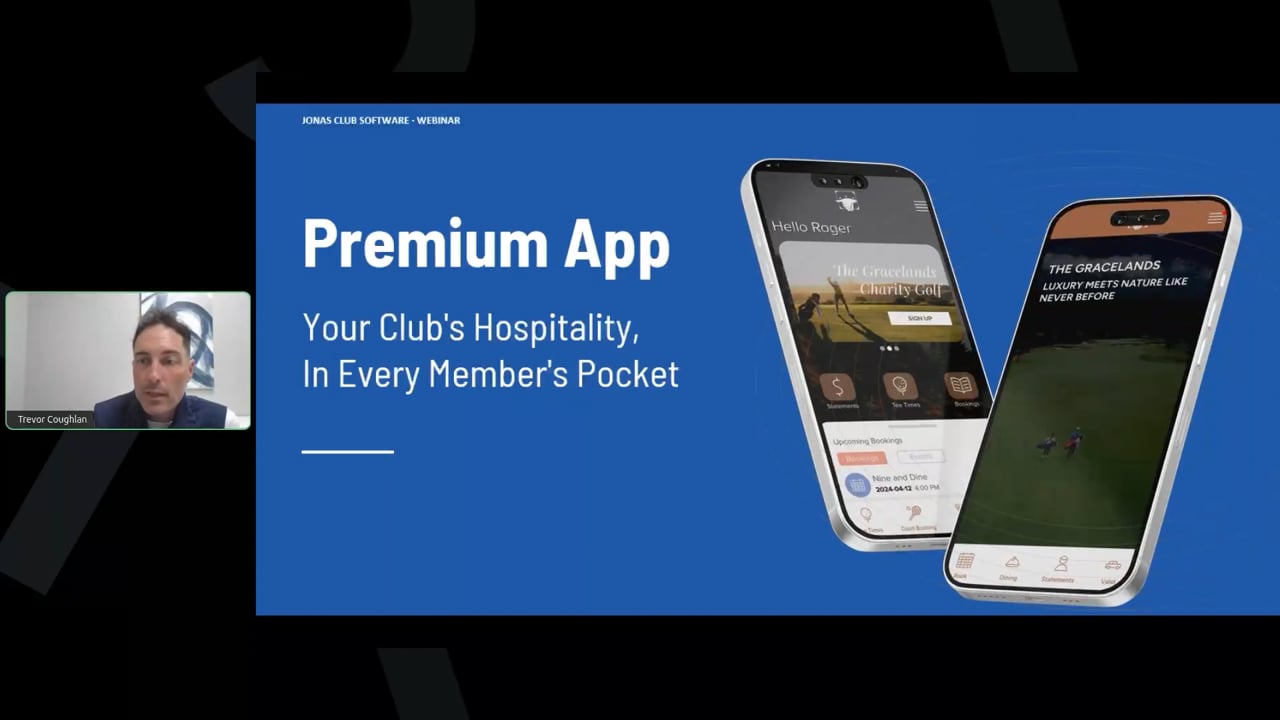
Your Club’s Hospitality, in Every Member’s Pocket

9 min readJuly 30, 2026

Members are not comparing your club app to other club apps. They are comparing it to the app they used to book a rental car this morning, and the one they used to reserve a table last night. Those experiences set the expectation, and a booking utility does not meet it.

That gap was the starting point for our most recent webinar on the Jonas premium mobile app. Over 32 minutes, product manager YoYo Mak walked through four innovations released over the past year, plus a look at what is coming next. What follows is a recap, organized so you can jump to whichever piece matters most to your club.

From utility to hospitality

A club app that only takes bookings is a form with a logo on it. The shift we are making is toward an app that anticipates what a member needs, recognizes them when they arrive, and leaves them with something worth remembering.

There is evidence behind the urgency. Research indicates 71% of consumers now expect personalized interaction, and 76% report frustration when it does not happen. Separately, 61% of hospitality customers say they will spend more when personalization is done well. At a club, that shows up as event attendance, spend per visit, and satisfaction scores.

We approach every new feature from two directions at once. Does it help your team do more with less, and does it improve what the member actually feels? Those sound like separate goals. In practice each one feeds the other.

One app, a different experience for every member

The first innovation answers a simple question. What if every member opened the same app and found an experience shaped around them?

The app now offers roughly 80 configurable visual components, including custom fonts and color settings across individual elements. Your team controls the look and feel down to the detail, and changes take a few clicks instead of a support ticket.

Three home screen layouts

The home screen is the first touchpoint, so it gets the most flexibility.

  • Button layout. Simple and elegant, and strongest when paired with a video background. Smooth footage of your grounds gives members and guests a live look at the club.
  • Tile layout. Direct access to essentials with very little to learn. A good fit for clubs with a more traditional membership, or anywhere simplicity is the priority.
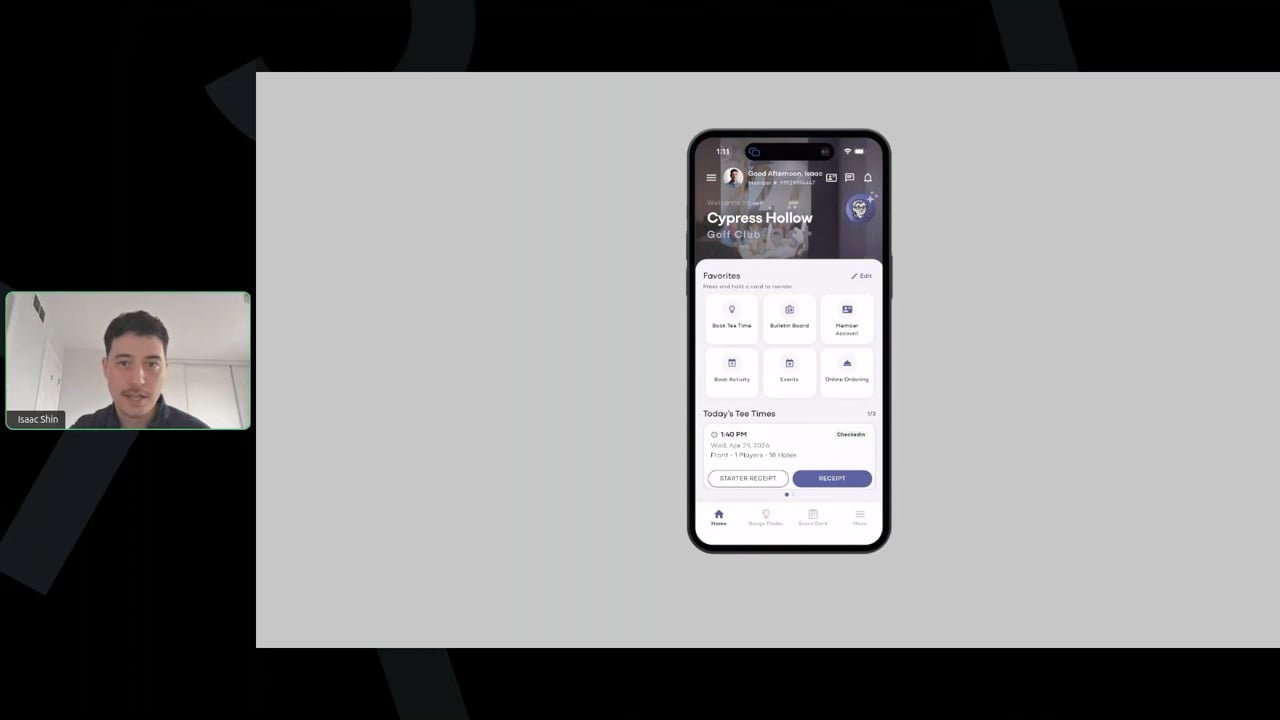
  • Widget layout. Our most popular option. A scrollable experience that opens with a personal greeting, then a promotional slideshow, quick links, and upcoming bookings. Each widget can be switched on or off.

That upcoming bookings widget turns out to be one of the most used features in the app. Members check it to see their day at a glance.

Navigation that adapts to the member

Role based navigation shows each member only what applies to them. A social member without golf privileges does not see golf booking at all, which removes a source of confusion rather than explaining it away.

Rules can go well beyond membership type, drawing on login status and role. That makes it practical to keep sensitive material restricted to board members or staff. Several clubs have also used it in the other direction, giving prospective members a tailored view of the club before they join.

Access without friction

Getting into the app, and into the building, should not be the hard part of the day.

On the digital side, multi factor authentication ensures only verified users reach an account even if a password is compromised, and biometric login means members use Face ID or a fingerprint instead of remembering anything. That second one quietly removes a large share of the password reset calls your staff field. Research suggests 72% of consumers prefer face verification for secure online services, finding it faster and more secure than a password.

The digital member card replaces the physical one for check in at the club, at events, and anywhere else identification is needed.

This year we introduced digital key access. The app becomes a key for gates, locker rooms, the fitness facility, and other controlled doors. Keyless entry has been shown to lift guest satisfaction by 7% in hotels, where 46% of travelers now consider a mobile key essential.

Guests are covered as well. A member creates a guest pass in the app, fills in the details, and the guest receives a card or key code. Visitor management becomes a single step for the member and no steps at all for your front gate.

What it changes for operations

The member benefit is convenience. The club benefit is broader:

  • Lower cost. No physical cards or fobs to issue and replace.
  • Fewer interruptions. No need to staff an access point purely to let people through.
  • Better control. Every entry and exit is logged in real time, and access can be changed or revoked instantly from the portal.
  • Usage insight. Utilization data informs space management, programming, and capital decisions. If the courts are consistently full, that is a case for expansion. If a space is underused, that is a case for new classes or events.

Communication timed to where the member actually is

The app supports ad hoc announcements, booking confirmations and cancellations, and recurring campaigns triggered by member information and booking activity. Geolocation adds timing to all of it.

When a member crosses a defined zone on the property, the app can send something useful at that moment. A welcome message as they arrive. Today’s menu special. A prompt to order ahead when they reach the ninth hole, so lunch is ready when they are.

Alerts that reach the right department

Member arrival alerts point the same geolocation data at your staff instead of your members. Golf staff learn that a member with a tee time has arrived and can have the bag ready. A membership director learns that a key member is on property and can be there to greet them.

Both alerts can fire from one arrival. Different departments have different jobs to do when a member walks in, and this removes the step where someone has to tell them all individually.

A geofence crossing report in JCM Encore turns the same signal into a view of facility usage and member behavior over time.

An AI concierge built for trust

The newest innovation is an AI concierge, currently in beta ahead of general release.

In phase one it answers general member questions: dress code, opening hours, membership policies, and similar. You supply the knowledge base by uploading documents or selecting pages from your website, which are then extracted automatically. There is no second content library to maintain and no discrepancy between what the website says and what the concierge says.

The case for it is straightforward. AI powered customer experience has been associated with satisfaction gains of 15% to 20% and reductions in cost to serve of 20% to 30%. It also means a member asking a question at eleven at night gets an answer at eleven at night.

Why we built it on Microsoft

We could have reached market faster. Small AI companies approach us regularly wanting to supply exactly this. We chose Microsoft instead, because a system holding your club’s data has to clear a higher bar than speed.

The concierge runs on Microsoft enterprise grade security and follows industry standard practices for personally identifiable information. It will not execute unsafe commands, and it does not comply with attempts to talk it out of its own safety measures. Ask it to ignore its instructions and it declines. Offer it payment details and it neither stores nor engages with them.

You can also name it and set its icon, so the concierge reads as part of your club rather than a generic assistant. Future phases will let members raise requests through it, such as valet or bag retrieval, routed to the right department automatically.

One member, one Saturday

Individually these are features. Together they are a day.

A member asks the concierge whether the chef’s table is available tonight. They open the app and see their bookings for the day already confirmed. They arrive, and a notification tells them the main dining room will be busier than usual, and that the pro shop has a sale worth a look before they tee off. They tap their phone at the gate and walk in. Golf staff already have the bag out. A welcome message reaches them before dinner. Afterward, an automated follow up survey through Member Insight asks how the day went.

No single step is remarkable. The absence of friction across all of them is.

Questions from the session

Do member arrival alerts require a card swipe or key entry?
No. Detection is automatic through geolocation. As long as a member has location services enabled, crossing the geofence triggers the alert with no manual input, no visible interaction for the member, and no additional work for staff.

How do staff receive arrival notifications?
Staff authenticate to the premium app the same way members do, and arrival alerts appear in the message center.

What is required for access control?
A key server vendor. We have a full integration with Salto today, and an integration with Motorola Vigilant in development. The vendor supplies the door and gate hardware, and Jonas sends member data across to keep the key server current. The Motorola Vigilant work is worth watching: their RFID and Bluetooth technology can register a member’s device from up to 15 feet, opening a gate without the phone leaving a pocket.

Can you help redesign an app we already have?
Yes. Our professional services team takes clients through app redesigns regularly, covering layout options, graphics, fonts, colors, and enabling features that are not yet switched on. Start with your local representative.

Can we automate reminders to members with overdue balances?
Through email rather than push. Our email marketing platform integrates with the back office, so you can send a monthly notice to members carrying a balance.

If we update the event calendar on our website, does it reach the app?
Yes. Events, bookings, dining, courts, online ordering, class scheduling, and appointment booking are seamlessly shared between the website, the back office, and the app. You publish once. For general website content you keep more control, choosing what appears in the app and what stays on the site.

Does the app have to match our website platform?
It does not have to, but content management is considerably easier when it does, because you build once and publish to both. If you are committed to a third party website, we have options for running the mobile app platform on its own. You would then be maintaining content in two places, which is the cost worth weighing.

Where to go from here

This session covered the surface. The features have more depth to them, and the right configuration depends on your membership and how your club actually runs.

  • Talk to your client manager about which of these are already available to you. Several may only need switching on.
  • Book a demo to see the layouts, access control, and concierge working against a real club setup.
  • Download the mobile potential checklist to audit what your current app is and is not doing.

If a question came up during the session that we did not reach, it did not get lost. Reach out to your client manager and we will get you an answer.