 71 min.
Your Digital Front Door: The 2027 Website Playbook for Private Clubs
A tour of the club websites inspiring redesigns right now, with a MembersFirst project manager on navigation, renovation pages, new member welcome…

 44 min.
Your team already works well beyond the clubhouse, so why should access to Jonas be tied to a server in a back office closet? This session is not about changing the Jonas you rely on every day. It is about a better way to access it, protect it, and manage everything that keeps it running. Courtney Daniels opens with what cloud access looks like in an ordinary week, from accounting closing month end at home to a GM pulling their own board report from a conference, and how Jonas takes over the update cycle so every club is on the latest version. Bjon Campbell then walks through what sits underneath: Azure hosting in the region closest to you, immutable backups tested quarterly, SOC 2 and PCI governed environments with 24/7 monitoring, single sign-on with conditional access, and a four step migration with hypercare after go-live. Trevor Williams shares how Midvale Country Club in Penfield, New York moved everything from club management to point of sale onto Jonas Cloud, and Le Ngo joins Bjon for a live Q&A on DR, Data Mart, POS speed, SSO accounts, idle timers, and kitchen display units.
In most cases the speed is equal to on-premise. Where it is not, it has still been usable, and the difference almost always comes down to the club’s internet connection. That is exactly what the validation period is for: you test printing, POS, and integration speed on your real network before go-live so there are no surprises.
No. Each workstation needs a unique email address to sign on to the cloud platform, but it does not have to be an active mailbox and it does not add licensing cost. Once the station is signed in, staff use their regular Jonas or POS login to move between users on that terminal.
Yes. Your Data Mart server can stay where it is, or Jonas can host it and allow the connections you need. The approach depends on which integrations you run against it and how you connect to the database, and the migration specialist will sort that out during discovery.
Jonas partners with Hightail to give you a secure location to upload a backup, or a migration specialist can handle the copy. For some clubs an Azure link has been used to transfer the data directly. Either way the first copy is a snapshot that runs alongside your on-premise system for testing, and a fresh backup is taken on go-live day.
Your databases are backed up in a secondary Azure region, and because the infrastructure is defined as code, your environment can be rebuilt there within about an hour if needed. There is no live failover with redundant resources running in a second region, since that would add significant cost.
Yes. Today Jonas ships a small Linux bridge device that sits on your network and provides the tunnel to communicate with the KDS units. A software based replacement that removes the physical device is being tested now, since a single hardware box is harder to scale and is one more point of failure.
Find out if your club is ready for Jonas Cloud
Run the cost calculator, take the five question readiness checklist, and your client manager will follow up with a side by side comparison for your club.
71 min.A tour of the club websites inspiring redesigns right now, with a MembersFirst project manager on navigation, renovation pages, new member welcome…
 40 min.
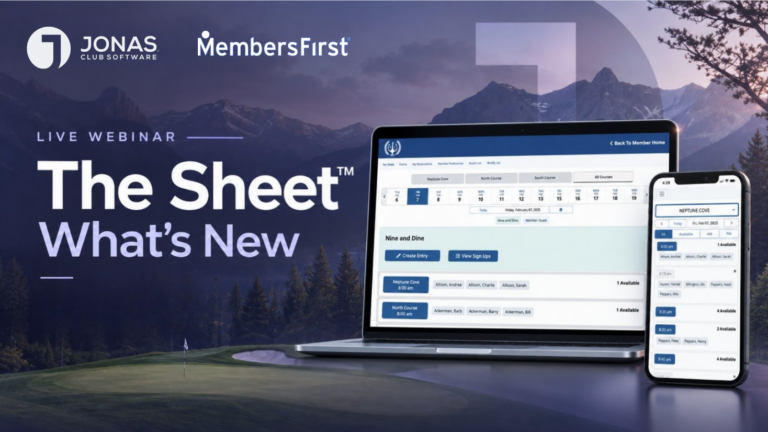
A walkthrough of the latest releases on The Sheet: member interface branding, weather delay, the expanded Golf Genius integration, five lottery models,…
 50 min.
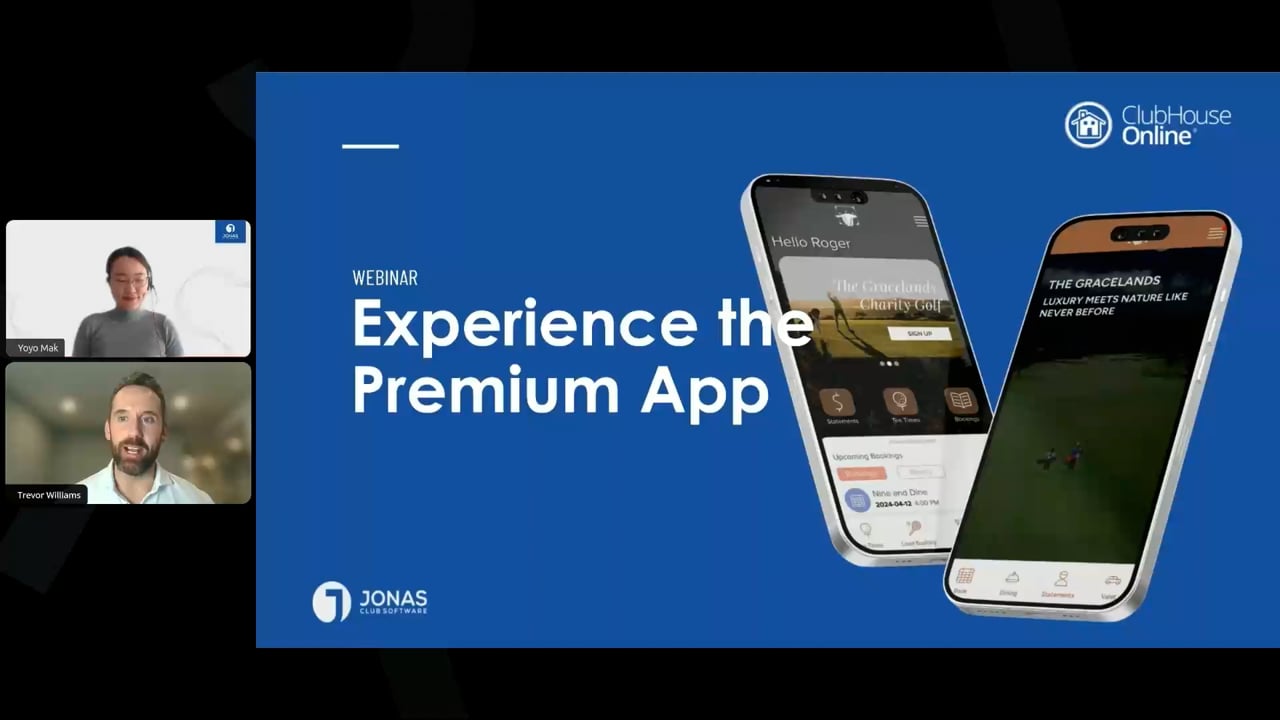
The member experience now begins on a phone. See how the Premium App compares to the generic and custom apps across customization,…