 46 min.
The Sheet Just Got Real: Introducing the Modern Tee Sheet for Private Clubs
The launch session for The Sheet: why a tee sheet that lives inside the Jonas ecosystem changes billing, blocks, and the member…

 40 min.
The Sheet is the modern, fully web based tee sheet built around how private club golf actually runs, connected directly into the Jonas back office so the member roster, POS, and billing all stay in step with the pro shop. In this session, product owner Luke Vincent walks through everything released on The Sheet over the past year, from club branded member screens and a workflow that rescues a frost delayed morning, through a three step Golf Genius loop for tournaments, five lottery models for handling demand on coveted tee times, and peer review tools that close the loop on non posted scores. Trevor Williams opens with the context on how The Sheet fits the wider Jonas ecosystem, and the session closes with live questions from club operators.
Yes. The system ships with configurable email templates for lottery events, including an unsuccessful draw notice that goes out automatically when the lottery is accepted. There are templates for lottery entry and modified entries too, so you can set how much communication members receive.
Yes. It was renamed from frost delay for exactly that reason. If you know about the closure in advance, a no bookings block is usually cleaner, but weather delay is built for the short notice situations where you need to move a lot of groups quickly and communicate with them clearly.
The preview presents any unplaced groups and lets you decide. You can move them to another course, create a starter time to squeeze them in, or mark them for cancellation with a communication template attached. The adjustment strategies are designed to minimize how many groups fall off in the first place.
Yes, and it works in both directions. Each sync is a full overwrite, so you get a confirmation prompt letting you know the destination will be replaced with what you are sending. That avoids duplicates while keeping both systems on the current state of the sheet.
The main safeguard is a CAPTCHA that verifies the logged in user is human, backed by extensive logging so you can investigate a specific booking after the fact. You can also restrict the CAPTCHA to peak booking windows so members are not challenged for the rest of the day.
Yes. Lotteries run as blocks on top of the baseline schedule, and block settings include which leagues are eligible to register. League restrictions work for lotteries and events alike.
See The Sheet in action at your club
Take a closer look at weather delay, lottery models, and the Golf Genius integration, and how they fit the way your shop runs its tee times.
46 min.The launch session for The Sheet: why a tee sheet that lives inside the Jonas ecosystem changes billing, blocks, and the member…
 50 min.
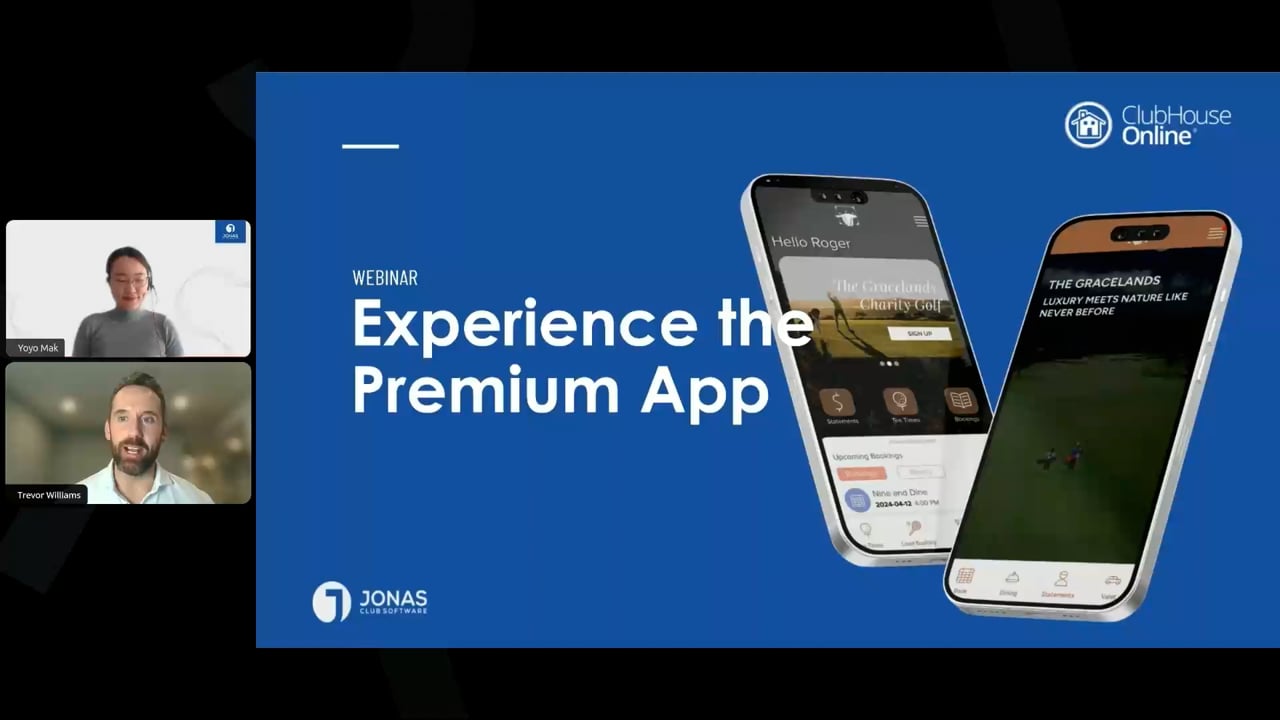
The member experience now begins on a phone. See how the Premium App compares to the generic and custom apps across customization,…
 58min 32 seconds
Cybersecurity is changing faster than most clubs can keep up with. In this session, Duane Laflotte, CEO of Ghostpoint Security and a…