 44 min.
Is It Time to Move Jonas to the Cloud?
What actually changes when your Jonas moves off the server under the desk: access from anywhere, managed updates and backups, layered security,…

 41 min.
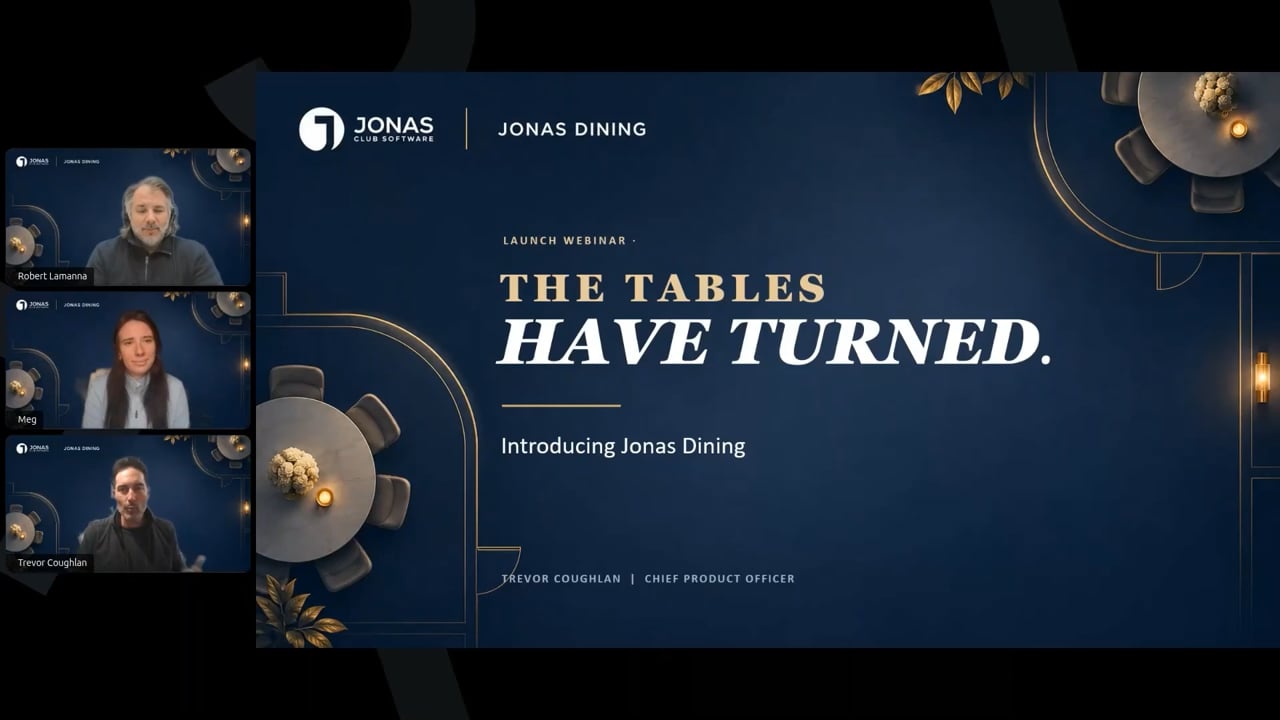
A reservation is just the beginning. On a Friday night the dining room is filling up, a member arrives early, a party of six becomes eight, and someone has to move tables. This session is the first public look at Jonas Dining. It’s the new web-based dining application that brings reservations, live table management and member information together, with a direct connection to JCM and Encore point of sale. Trevor Williams opens with the thinking behind it: a club is many departments under one roof, but members experience one club, and integration is what keeps that experience seamless. Meg Dow, who spent over ten years in club food and beverage, explains how the product was designed around the host stand and the decisions staff make during service. Robert Lamanna then walks through the full product: the Host View floor plan, seating walk-ins, moving and swapping parties, the timeline with cover thresholds, server sections, member preferences and allergies, the reservations list, and seating a party straight into a POS chit. The session also hears from an early adopter club in Toronto that moved off phone calls, spreadsheets and a paper book, and closes with a live Q&A.
No. Jonas Dining is an entirely new web-based platform built from the ground up and completely separate from JAM. It adds live table management, better visibility into the dining room and a direct connection to point of sale. Dining is also the first piece of a broader suite of next generation activity products being built on the same platform.
Yes. For members, booking stays mostly the same through your website or app. The difference is behind the scenes: those reservations now flow into Jonas Dining, where your staff manage availability and seating. Your specific website and app setup is confirmed during implementation.
Very closely. When you seat a party, Jonas Dining opens a chit on the right table in Encore or JCM point of sale, assigned to the right server and member. If you move the party to another table, the chit moves with them. Member details, preferences and allergies come through too, so you don’t end up running two disconnected systems.
Generally weeks rather than months, depending on your club’s timing and the professional services team’s availability. Most clubs get through setup and training in about three one hour sessions. A lot of the setup, like floor plans and schedules, you can do yourself with guidance. The goal is for your team to feel confident before go-live, not to learn on a busy Friday night.
No. Tables are assigned by the club, and Jonas Dining places each booking on the best available table. Members can add a table request in the reservation notes. Staff can then assign that table and lock the reservation to it so another user can’t move it.
Yes to both. Jonas Dining is fully web based, so it runs on tablets at the host stand and in any browser, wherever you have internet access. You don’t need to be at a Jonas terminal.
See Jonas Dining in your dining room
Book a demo and we’ll show you the host view, the timeline and the direct connection to your point of sale, set up around how your club runs service.
44 min.What actually changes when your Jonas moves off the server under the desk: access from anywhere, managed updates and backups, layered security,…
 71 min.
A tour of the club websites inspiring redesigns right now, with a MembersFirst project manager on navigation, renovation pages, new member welcome…
 40 min.
A walkthrough of the latest releases on The Sheet: member interface branding, weather delay, the expanded Golf Genius integration, five lottery models,…